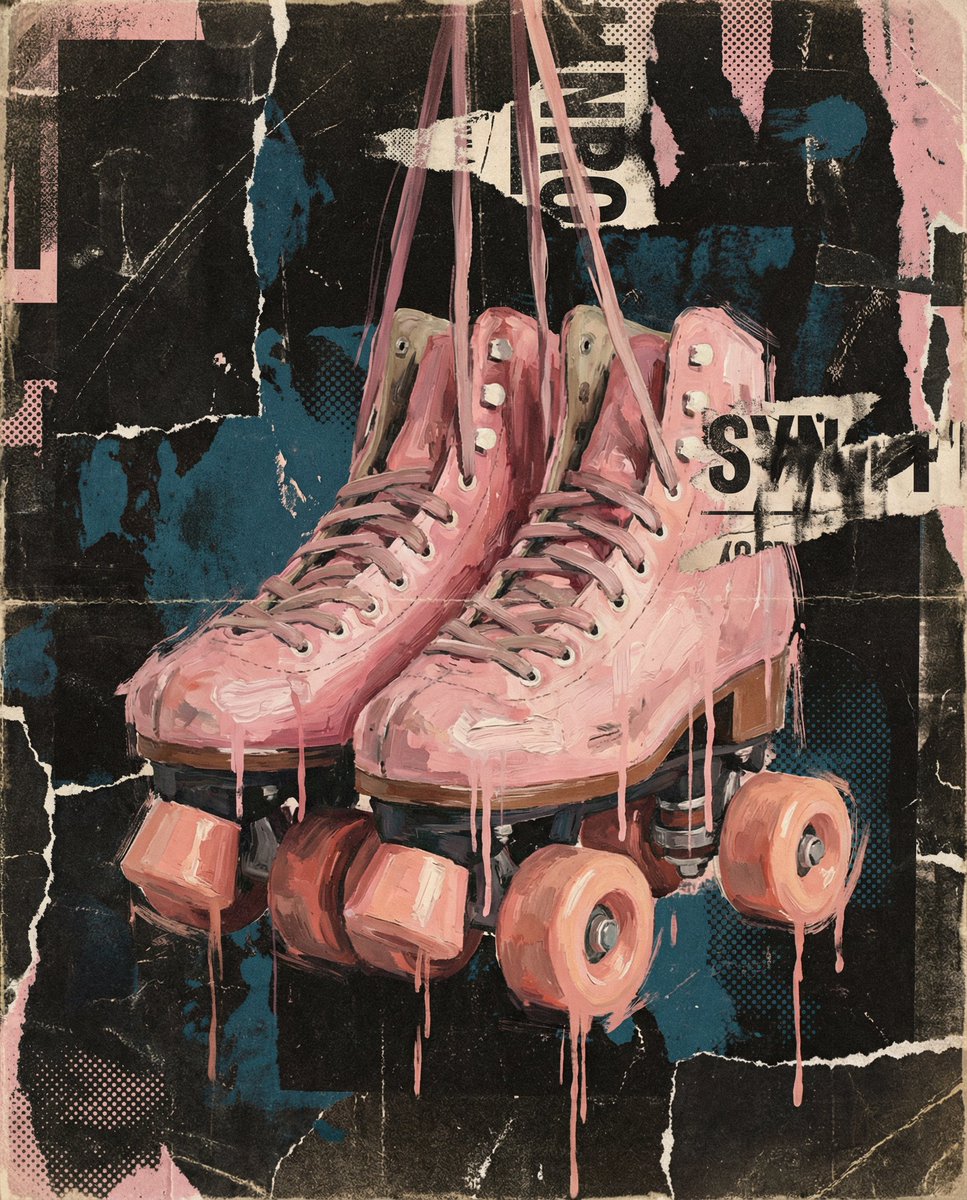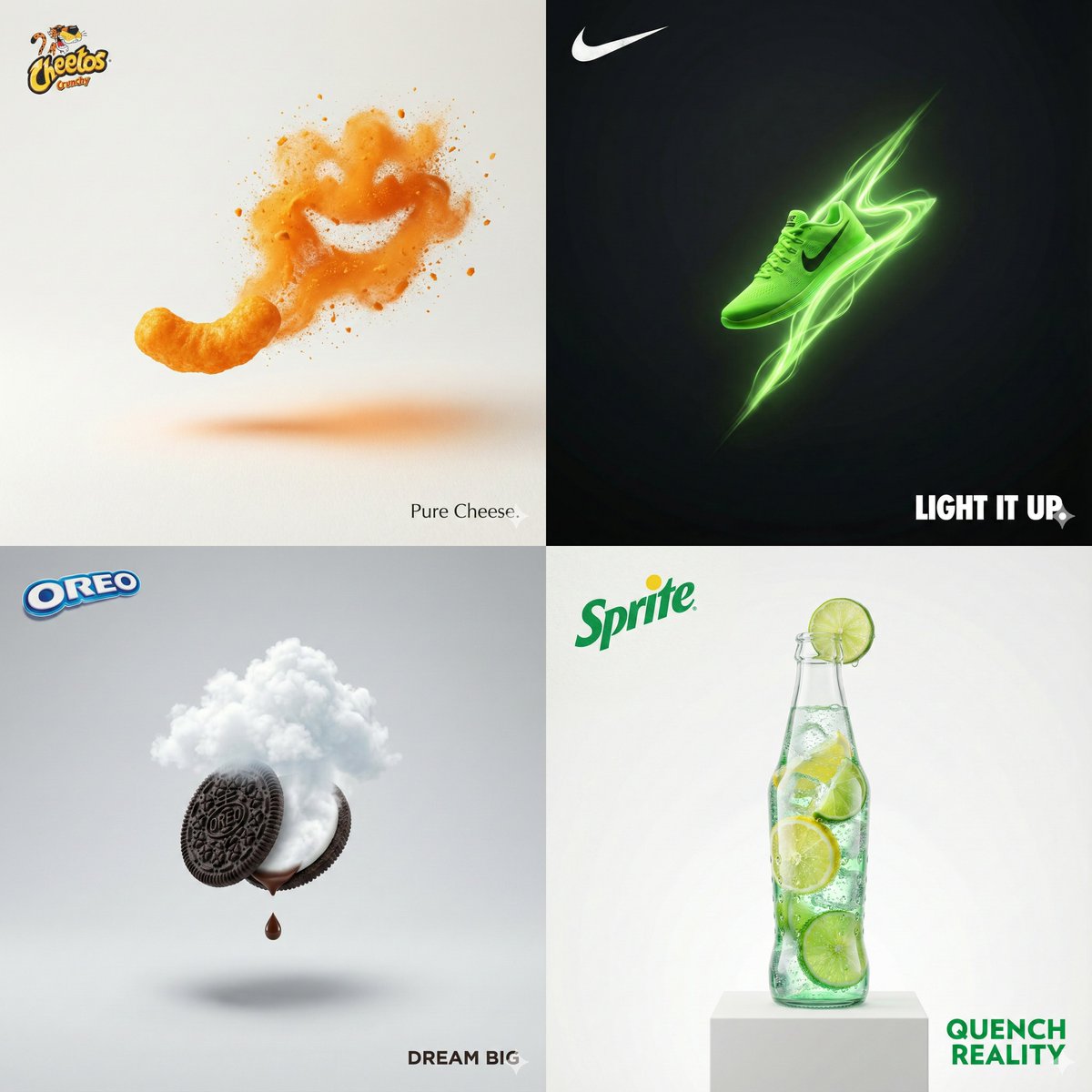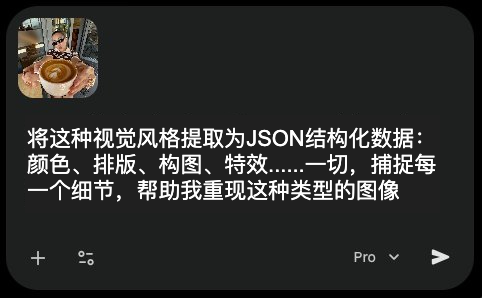
使用Gemini 3.1的视觉功能提取图像风格并生成结构化JSON数据。首先,将目标图像复制粘贴到Gemini 3.1界面中。第二步,输入精确提示词:'将此视觉风格提取为JSON结构化数据:颜色、排版、构图、效果...',要求Gemini分析图像的核心视觉元素并输出标准化JSON格式。第三步,将生成的JSON文件保存为上下文文件,当需要重新创建该视觉风格时,直接调用此文件即可快速复现原始图像的色彩搭配、版式布局、构图规则及特效处理等关键参数。该方法适用于设计师、AI艺术创作者快速捕捉并迁移优秀视觉风格。
Extract image style and generate structured JSON data using Gemini 3.1's visual capabilities. First, copy and paste the target image into the Gemini 3.1 interface. Second, input the precise prompt: 'Extract this visual style as JSON structured data: colors, typography, composition, effects...', instructing Gemini to analyze the core visual elements of the image and output a standardized JSON format. Third, save the generated JSON file as a context file. When you need to recreate this visual style, directly call this file to quickly reproduce key parameters such as color schemes, layout formats, composition rules, and special effects processing of the original image. This method is suitable for designers and AI art creators to quickly capture and transfer excellent visual styles.